

Introduction to VR Headsets
VR headsets are rapidly gaining popularity as they allow users to experience immersive virtual environments, from gaming and movies to education and virtual tours. With advancing technology, these devices offer high-quality graphics, motion tracking, and interactive experiences that make digital content more engaging than ever before.
Who Should Buy a VR Headset?
VR headsets are ideal for gamers seeking immersive gameplay, tech enthusiasts exploring virtual reality experiences, educators enhancing interactive learning, and professionals using VR for design, simulations, or training purposes. Anyone curious about virtual environments can benefit.
What You’ll Learn in This Guide
This guide will explain how VR headsets work, the different types available key features to look for common problems and tips for selecting the best headset. By the end, you’ll understand which VR headset suits your needs.
What Are VR Headsets and How Do They Work?
Understanding Virtual Reality Technology
VR headsets use advanced technology to create an immersive experience where users feel part of a 360-degree environment. By combining stereoscopic displays, head tracking, and responsive sensors, VR headsets simulate realistic visuals and interactions that react to your movements.
Display System (LCD vs OLED)
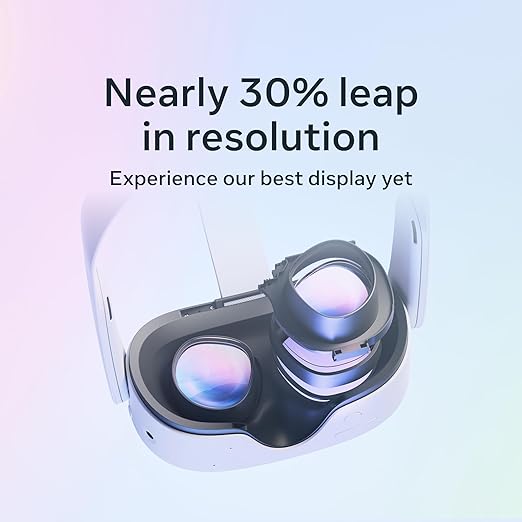
VR headsets use LCD or OLED displays to render images. OLED offers better contrast and faster pixel response, reducing latency and motion blur, while LCD is often more affordable and energy-efficient. Both provide stereoscopic visuals for depth perception in virtual worlds.
Motion Tracking and Sensors
Motion sensors, accelerometers, and gyroscopes track head and body movements in real time. This head tracking allows the virtual environment to adjust dynamically, ensuring smooth interaction and minimizing motion sickness.
Field of View (FOV) and Refresh Rate Explained
A wider FOV enhances immersion, giving a realistic sense of scale, while a higher refresh rate reduces latency, providing smoother motion and preventing visual discomfort during extended use.
Types of VR Headsets Available in 2026
Standalone VR Headsets
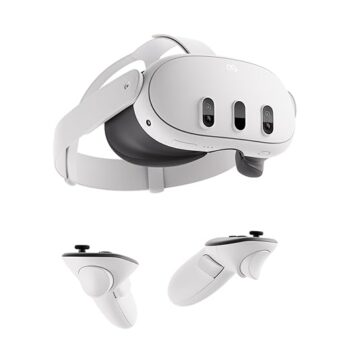
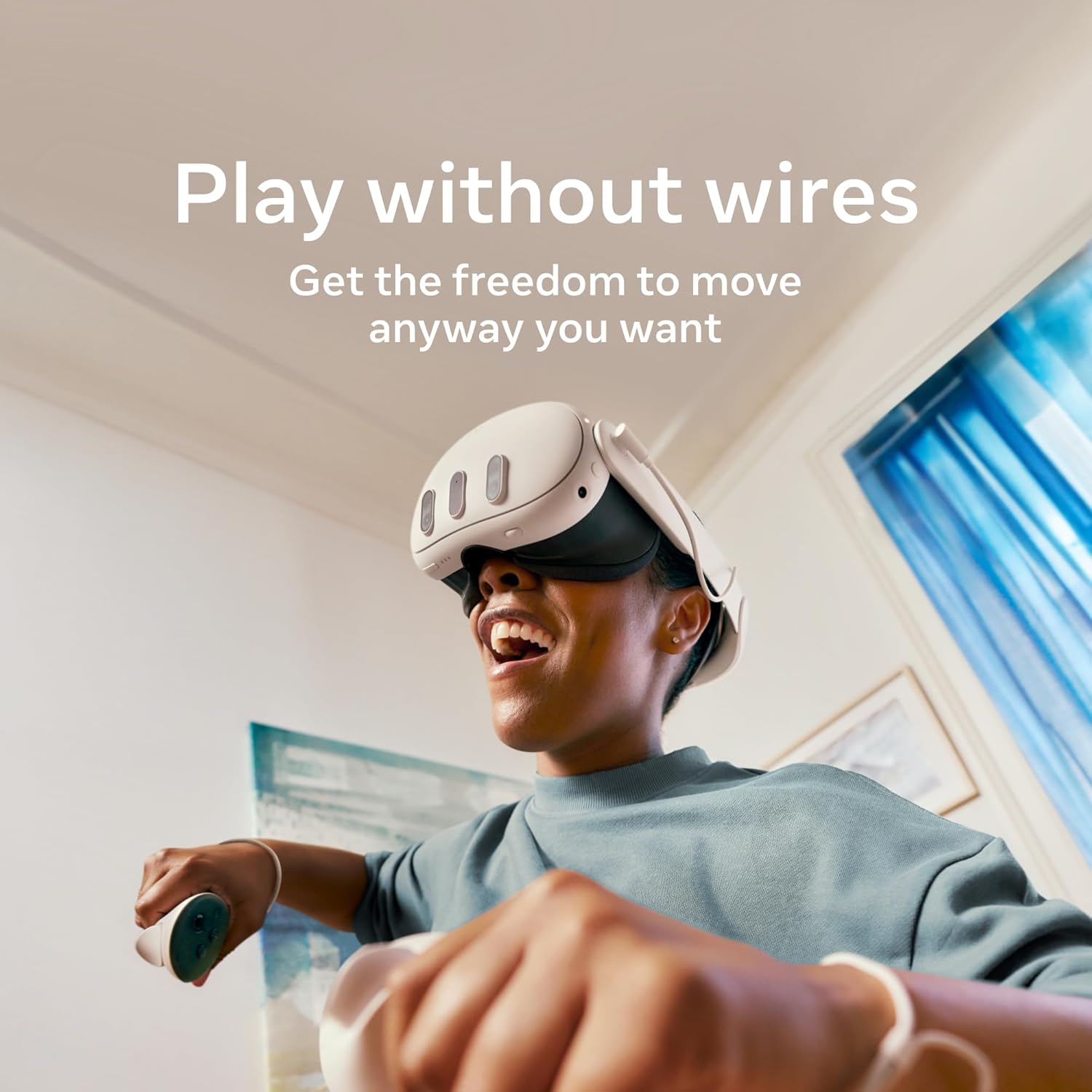
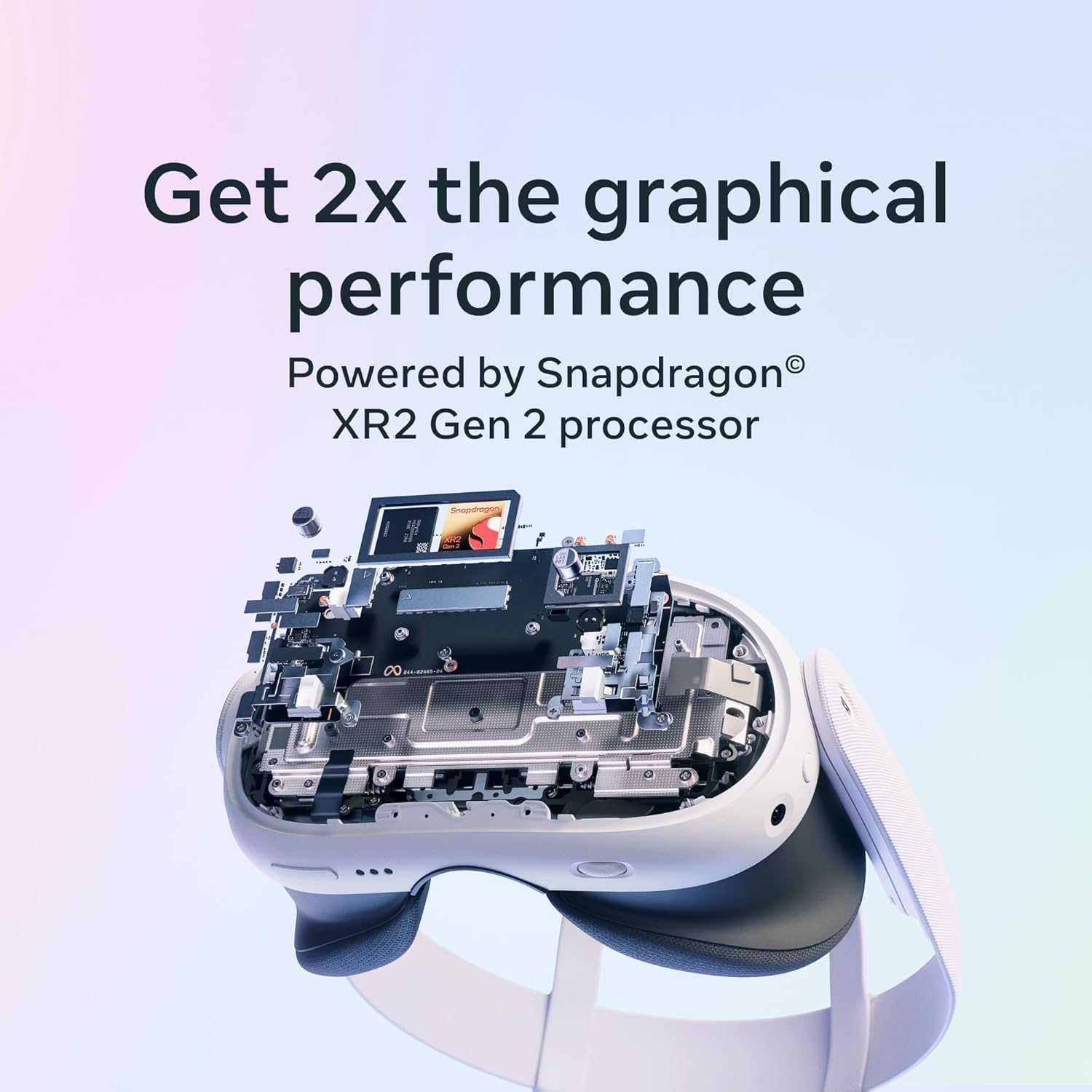
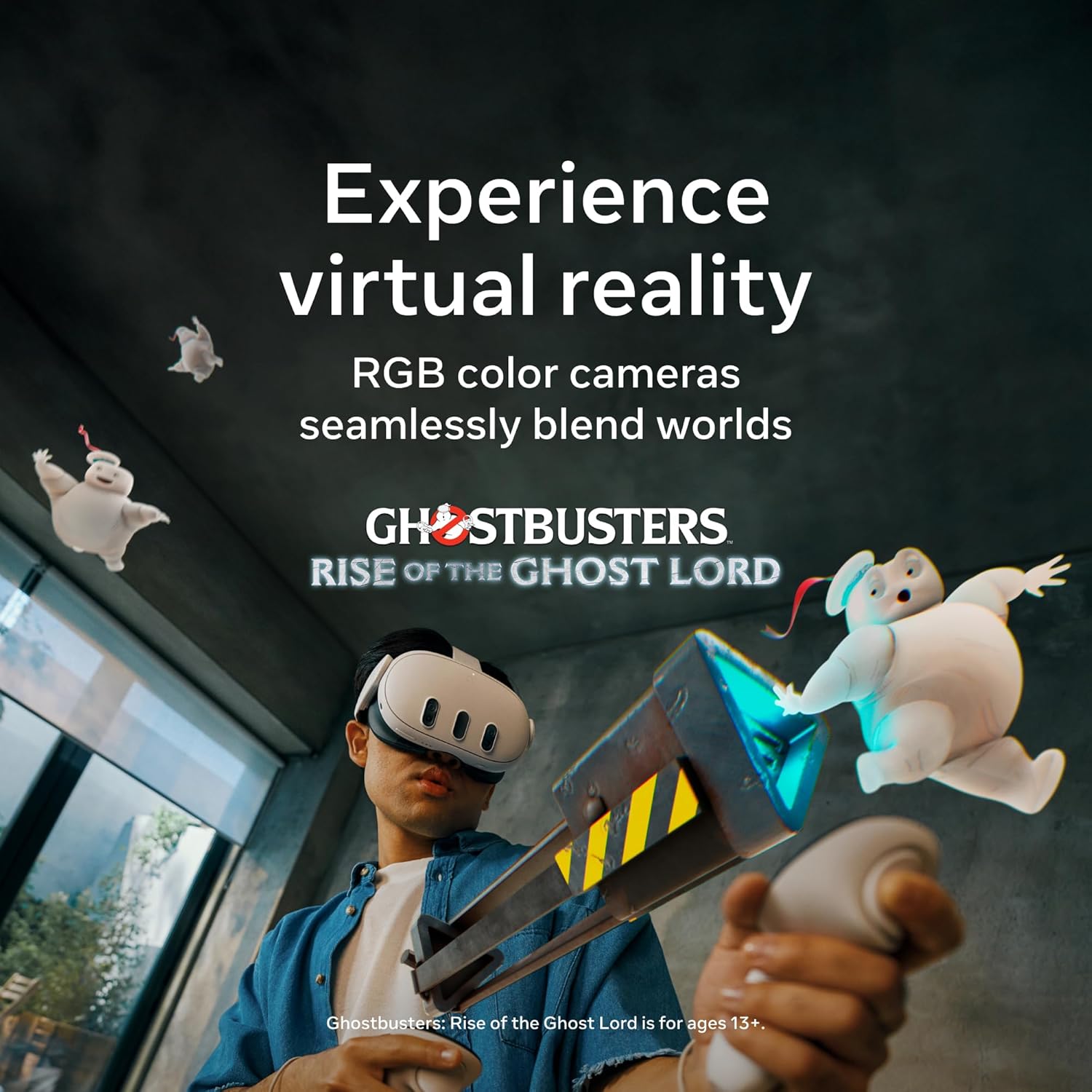
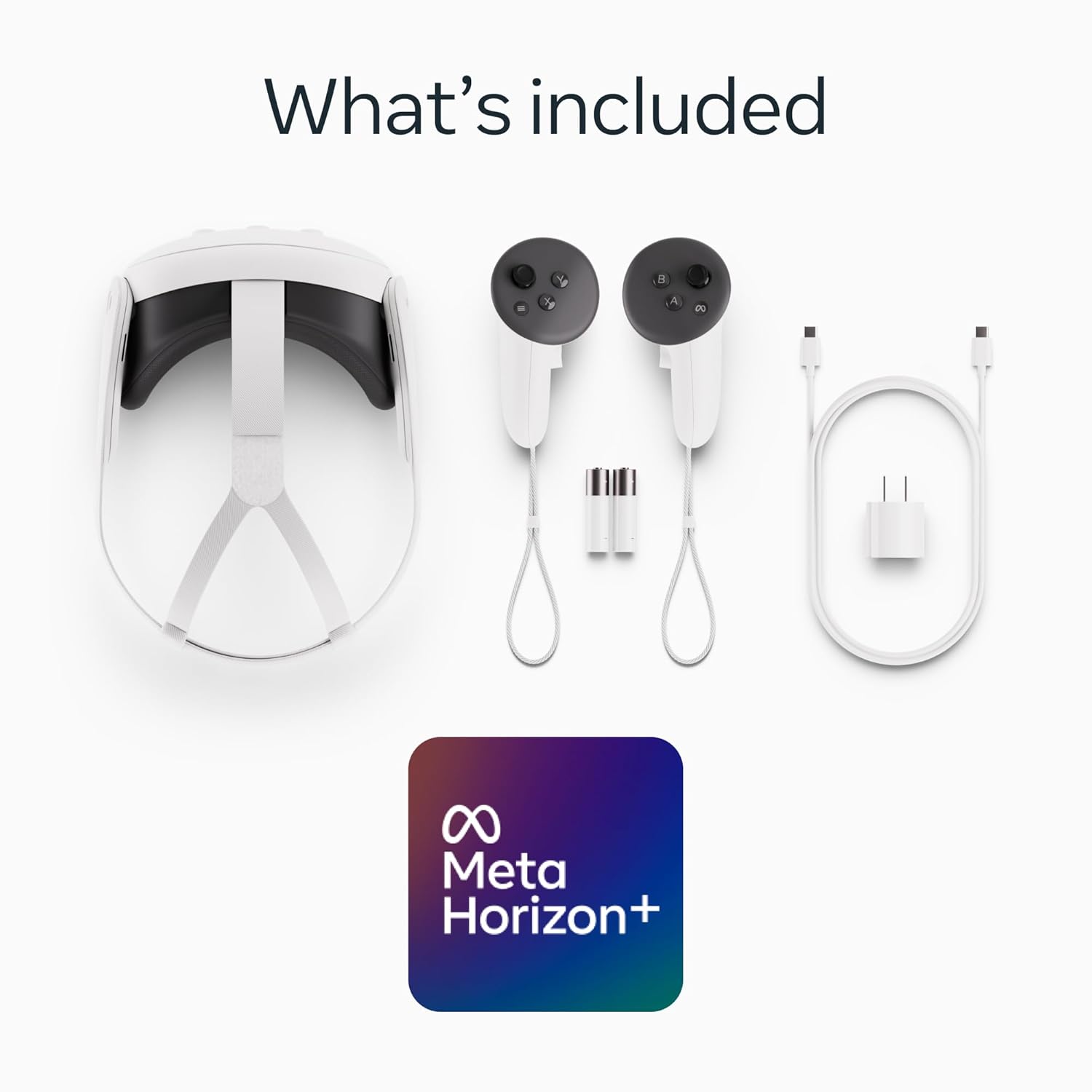
Standalone VR headsets are all-in-one devices that do not require a PC, console, or smartphone to operate. They come with a built-in processor, display, and storage, providing a completely wireless experience. These headsets are designed for easy setup and portability, making them ideal for beginners or casual users.A popular example is the Meta Quest 3, which offers high-quality graphics, motion tracking, and access to a growing library of VR games and applications. Standalone headsets focus on convenience without compromising immersive 360-degree experiences, making
virtual reality more accessible for gaming, education, and entertainment.
PC-Powered VR Headsets
PC-powered VR headsets connect to a high-performance computer, offering high-resolution graphics and more advanced VR experiences. They are ideal forgamers and professionals who need precise visuals, fast refresh rates, and low latency for immersive 360-degree environments. Popular examples include the HTC Vive Pro 2 and Valve Index, both compatible with SteamVR, giving access to a wide range of VR games and applications. These headsets require a gaming PC with sufficient GPU power, making them less portable but perfect for high-end VR experiences with detailed graphics and full head tracking.
Console VR Headsets
Console VR headsets are specifically designed to work with gaming consoles, providing a plug-and-play setup without the need for a powerful PC. They offer exclusive VR titles optimized for the console’s hardware, delivering an immersive experience for gamers.
An example is the PlayStation VR2, which integrates advanced motion tracking, high-quality displays, and haptic feedback for controllers. Console VR headsets focus on accessibility and ease of use, making stereoscopic displays and immersive VR environments available to a wider audience.
Best VR Headsets in 2026
Best VR Headset for Beginners
The Meta Quest 3 is ideal for beginners. It offers a wireless, standalone experience, inside-out tracking, and an ergonomic design for comfortable long sessions. Its intuitive setup makes it perfect for first-time VR users.
Best VR Headset for Gaming
The Valve Index provides high-resolution displays per eye and a 120Hz refresh rate for smooth, immersive gameplay. Coupled with precise controllers and inside-out tracking, it’s ideal for competitive and hardcore gamers.
Best Premium VR Headset
The HTC Vive Pro 2 delivers ultra-high-resolution visuals, professional-grade ergonomic design, and advanced tracking. Its 120Hz refresh rate and precise motion sensors make it suitable for both gaming and professional VR applications.
Best Budget VR Headset
The PlayStation VR2 offers a cost-effective solution with excellent console integration, stereoscopic displays, and a comfortable design. It provides access to exclusive VR titles while remaining affordable for casual users.
VR Headset Comparison Table
|
VR Headset |
Resolution per Eye | Refresh Rate | Tracking Type |
Ideal For |
|
Meta Quest 3 |
2064×2208 | 90–120Hz | Inside-out |
Beginners |
|
Valve Index |
1440×1600 | 120Hz | Inside-out/Exter nal |
Gaming |
|
HTC Vive Pro 2 |
2448×2448 | 120Hz | Inside-out/Exter nal |
Premium/Profes sional |
Common Use Cases of VR Headsets
VR Gaming Experience
VR headsets provide an immersive gaming experience with 360-degree environments, stereoscopic displays, and precise head tracking. Gamers can interact with virtual worlds like never before, enhancing realism and engagement.
Virtual Fitness and Workout Apps
Fitness enthusiasts use VR headsets for interactive workout apps and virtual sports. Motion tracking and spatial awareness make exercises engaging, helping users stay motivated while exercising in a fully immersive environment.
Education and Training Simulations
VR headsets are used in classrooms and training programs to simulate real-world scenarios. Students and professionals can practice skills safely in 360-degree simulations, from engineering labs to historical explorations.
Medical and Professional Training
VR headsets assist medical professionals and specialists in simulation-based training, surgical planning, and patient education. Realistic stereoscopic visuals and motion tracking help build skills without real-world risks.
Pros and Cons of VR Headsets
Advantages of Using VR Headsets
VR headsets provide an immersive experience, allowing users to explore 360-degree environments and interact with content in ways traditional screens cannot. They enhance gaming, education, training, and virtual meetings with realistic stereoscopic displays and inside-out tracking. Ergonomic designs and high-resolution displays improve comfort and visual clarity, making extended sessions more enjoyable. VR also encourages innovative applications in fitness, professional simulations, and the metaverse.
Disadvantages and Limitations
Despite their benefits, VR headsets have limitations. They can cause motion sickness or eye strain during long use. High-quality models are expensive and often require compatible hardware. Portability is limited for PC-powered systems, and setup can be complex. Battery life, cable management (for wired headsets), and occasional latency issues may also affect the overall experience.
Frequently Asked Questions
Do I Need a PC for a VR Headset?
Not always. Standalone VR headsets like Meta Quest 3 work without a PC, while PC-powered headsets like HTC Vive Pro 2 require a gaming computer for high-end performance.
Are VR Headsets Safe for Kids?
VR headsets can be used by older children, but manufacturers often recommend age limits (usually 12+). Supervision is advised to prevent eye strain or discomfort.
Can VR Cause Motion Sickness?
Yes, some users may experience motion sickness due to latency, mismatched motion cues, or prolonged use. Gradual exposure and frequent breaks help reduce symptoms.
What Is the Difference Between VR and AR?
VR (Virtual Reality) creates a fully immersive 360-degree environment, while AR (Augmented Reality) overlays digital content onto the real world without blocking it entirely.